Upgrading to XFtoWP 1.7
XFtoWP 1.7 changes how logins, account connections, user groups and webhooks work. This page lists what to check before and after you update.
Before you update
- Your site needs WordPress 5.7 or newer and PHP 7.4 or newer.
- Your Board URL must use https. XFtoWP won’t send your API key to an http address.
- Make a database backup.
What happens when you update
Update from the Plugins screen as usual. The next time an administrator loads the WordPress admin, XFtoWP runs a one-time database upgrade. It finishes on its own, even if you close the page. Your settings are kept.
Check your API key type
Thread comments, the XF Content widget and the forum stats shortcode show public forum content. In 1.7 they need a super user key or a guest key, so XFtoWP can check what forum guests are allowed to see. With a user key these features don’t display, and the settings screen shows this warning:
Public forum content requires a guest or super user API key. A user API key cannot verify guest access.
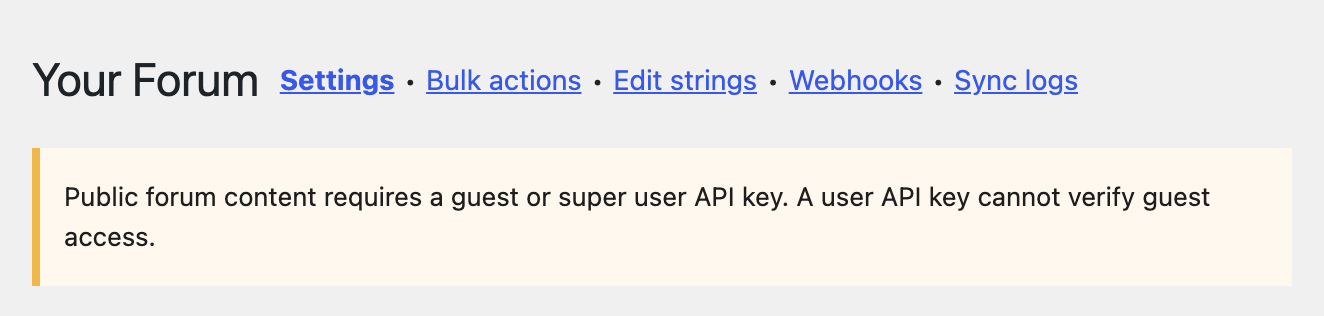
If you see it and use any of these features, create a super user key in XenForo and paste it into XenForo → Settings. See XenForo API Setup & Troubleshooting.
Changes that may need a decision
Login redirects no longer create forum accounts
Before 1.7, Redirect to XenForo after login could create a forum account for a member who didn’t have one. Now it only signs in members who are already connected. To let members create their forum account, turn on Create missing forum accounts under XenForo → Settings → User syncing → WordPress → Login actions. See Let members create or connect their forum account.
Connecting an existing forum account needs confirmation
When a member connects a forum account that already exists, the forum account now has to confirm it. Administrators can still link an account straight away from the member’s Edit User screen. See Manage a member’s forum account from the Edit User screen.
Forum password logins don’t match accounts by email
With Use XF credentials on WP login form on, a forum login no longer connects an existing WordPress account just because the emails match. See Let forum members log in to WordPress with their forum password.
User groups
When a purchase ends, XFtoWP only removes the forum groups it added. A group stays if another active purchase still grants it.
Forum account deletions
When a forum account is deleted, XFtoWP keeps the connected WordPress member if they are an administrator, have posts, or have WooCommerce or MemberPress orders. Only the connection is removed.
Webhooks
XFtoWP now saves webhook secret keys exactly as you type them. Earlier versions could change a secret with characters such as % or < when saving it, so those webhooks failed. If yours has characters like these, paste the secret into XFtoWP again. XFtoWP also answers each webhook with a status code now.
New in 1.7
- Forum entrance: one link that signs connected members in to the forum. See Add a Forum entrance link to your site.
- Bulk Actions: rebuilt with a preview, live progress and a result for each user. See How to use Bulk Actions.
- Edit strings: grouped in tabs by feature.
- Notices: forum accounts are told when an administrator links, unlinks or changes them.
For developers
- Forum data and the API key are stored in their own options.
xf_option( array( 'data', ... ) )still returns forum data.xf_option( array( 'settings', 'api_key' ) )no longer returns the key. - The
xfwp_bulk_actionsfilter now takes class names. ExtendXFWP_Bulk_Actionto add your own. - CSS and JavaScript moved to
assets/cssandassets/js. Script and style handles are unchanged. - New templates you can override in a child theme:
users/forum-entry.php,site-notice.phpandadmin/bulk-results.php.
If something looks wrong
Open XenForo → Sync logs to see what XFtoWP did for each user. If you still need help, post in the XFtoWP support forum.