Thread connect
Show forum replies under your blog posts
Connect a post to a XenForo thread and its replies appear on the post. Replies count toward the post’s comments.
Included in every XFtoWP license · WordPress 6.2+ · XenForo 2.3+
The problem
The discussion is on the other site
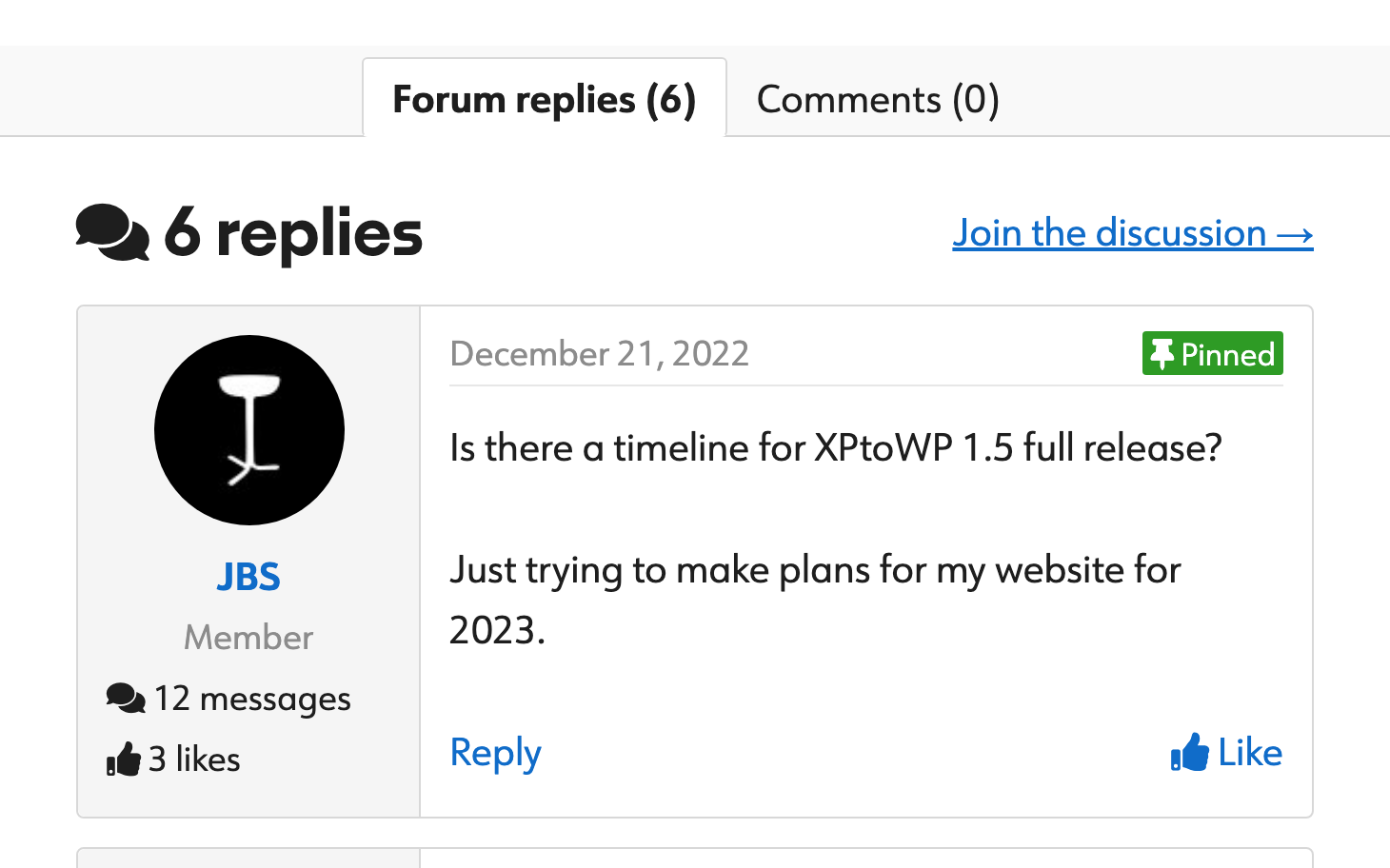
Readers comment on your blog while the discussion about the same post happens in a forum thread they never see.
Without Thread connect
- Empty comment sections
- Copying post links into new threads by hand
- Two separate discussions for one post
- Long replies that fill the page
With Thread connect
- Threads created from the post editor
- Forum replies added to comment counts
- Replies and WP comments in tabs
- Long replies shortened with Click to expand
Setup overview
How Thread connect works
Write a post
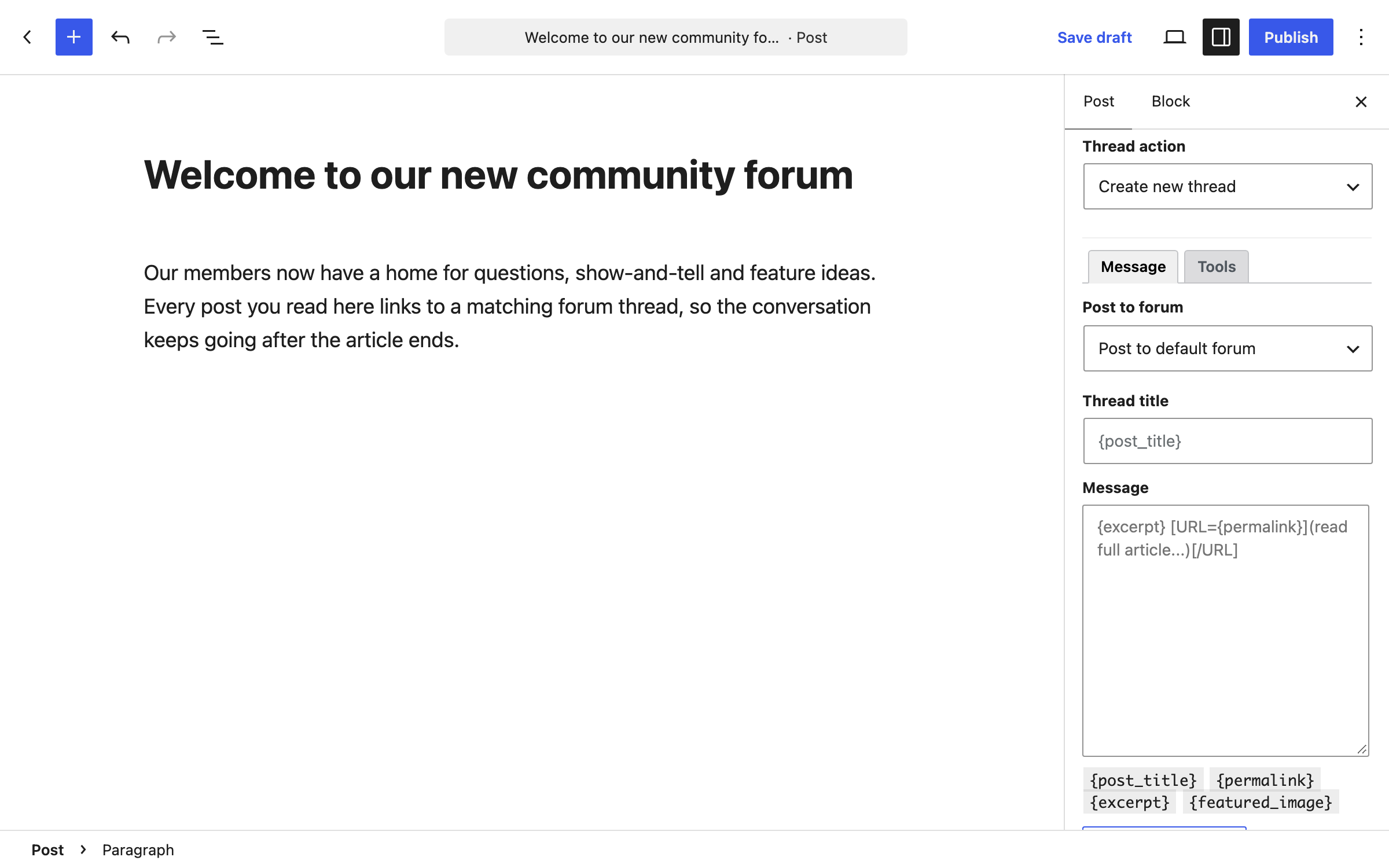
Choose a forum and thread title in the post editor.
A thread is created
Or connect a thread that already exists by its ID.
Replies show on the post
New replies load at the refresh time you set.
Post editor
Create or connect threads from the post editor
Pick the forum, title and message for a new thread, or enter a thread ID to connect one that already exists.
- Thread prefix and tags
- Auto-create thread on publish
- Connect existing threads by ID
Comment styles
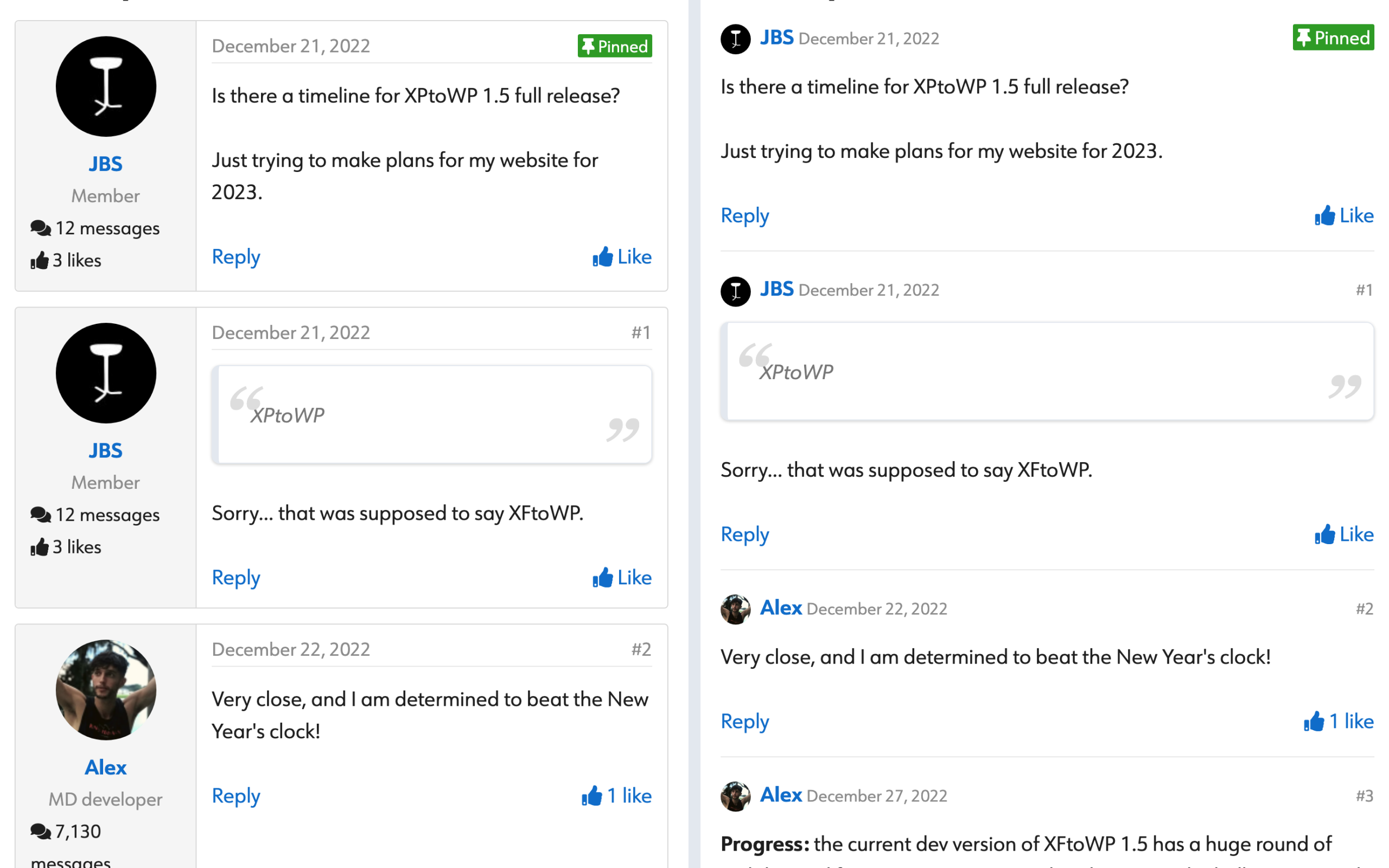
Thread view or Comment view
Show replies in a compact thread style, or a minimal comment style that looks like regular blog comments.
- Thread view or Comment view
- Filter images, code and avatars
- Click to expand long replies
Display locations
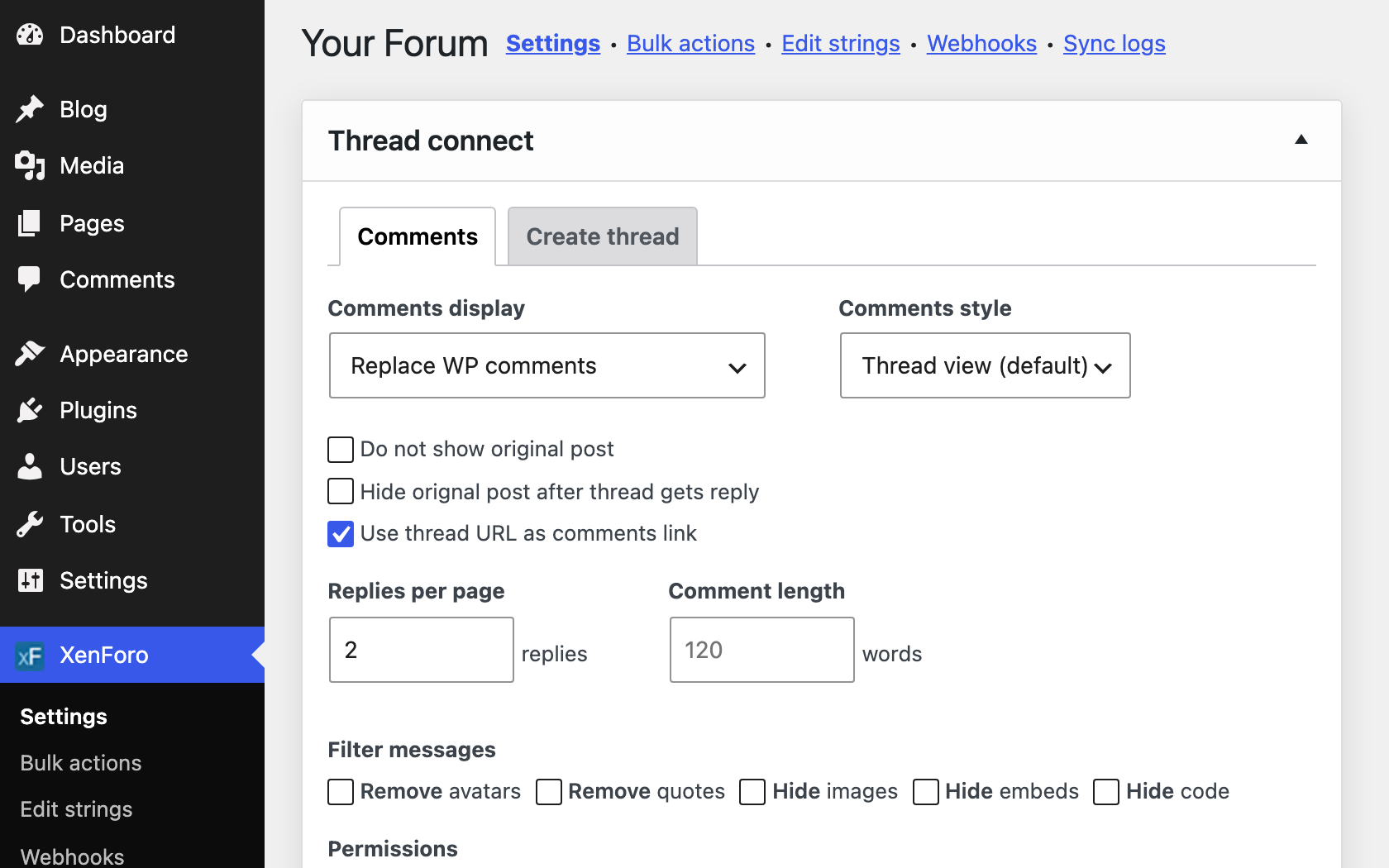
Forum replies with or instead of WP comments
Show forum replies before or after your WordPress comments, replace them, or combine both in tabs.
- Before or after WP comments
- Replace WP comments
- Tabs for forum replies and WP comments
At a glance
What’s included
Create new threads
Create a thread from the post editor.
Connect existing threads
Connect a post to a thread by its ID.
Auto-create on publish
Create a thread when you publish.
Prefix and tags
Set a thread prefix and tags for new threads.
Comment counts
Forum replies are added to the post’s comment count.
Thread view and Comment view
A compact thread style or a minimal comment style.
Display locations
Before or after WP comments, instead of them, or in tabs.
Click to expand
Shorten long replies with a button to read more.
Load more replies
Set replies per page and load more with a click.
Filter messages
Hide images, code, avatars and more.
Canonical URL
Point the thread’s canonical URL to your post.
Mod tools
Let chosen WordPress users sticky and lock threads.
Setup guides for every option: read the docs →
Questions about Thread connect
Frequently asked questions
Have another question? Ask in the support forums.
Can I keep WordPress comments?
Yes. Show forum replies before or after WP comments, combine both in tabs, or replace WP comments.
Can I connect a thread that already exists?
Yes. Enter the thread ID in the post editor.
Does it slow down my posts?
Replies are saved on your site and refreshed at the interval you set, so visitors don’t wait on the forum. Replies per page and Load more keep long threads short.
Which forums can threads be posted to?
The forums you list in Site setup that your XenForo API user can post to.
Who can create threads?
Administrators. You can let other user roles create and connect threads in Thread connect settings.
Can I use it on pages or custom post types?
Posts work by default. Developers can add other post types with the xfwp_comments_post_types filter.
Why can’t I connect a thread?
The thread must be visible to guests on the forum. Private threads can’t be connected or replied to from your site.
XFtoWP features
User syncing
Sync registrations, logins, groups and fields.
Bulk Actions
Import users both ways or refresh them all.
Thread connect
Forum threads under posts, replies as comments.
XF Content widget
Stats, latest posts and featured threads.
Strings Manager
Translate or edit every text string.
Developer tools
Templates, hooks, filters and API requests.
Get Thread connect with XFtoWP
One license includes Thread connect, every other XFtoWP feature, and a year of updates and support.
$79 · 40% off renewals
Instant download
Docs & forum support